How to improve typing accuracy
Accuracy is the foundation that speed is built on. This guide explains how accuracy is measured and gives you concrete drills to type fewer mistakes.

How typing accuracy is measured
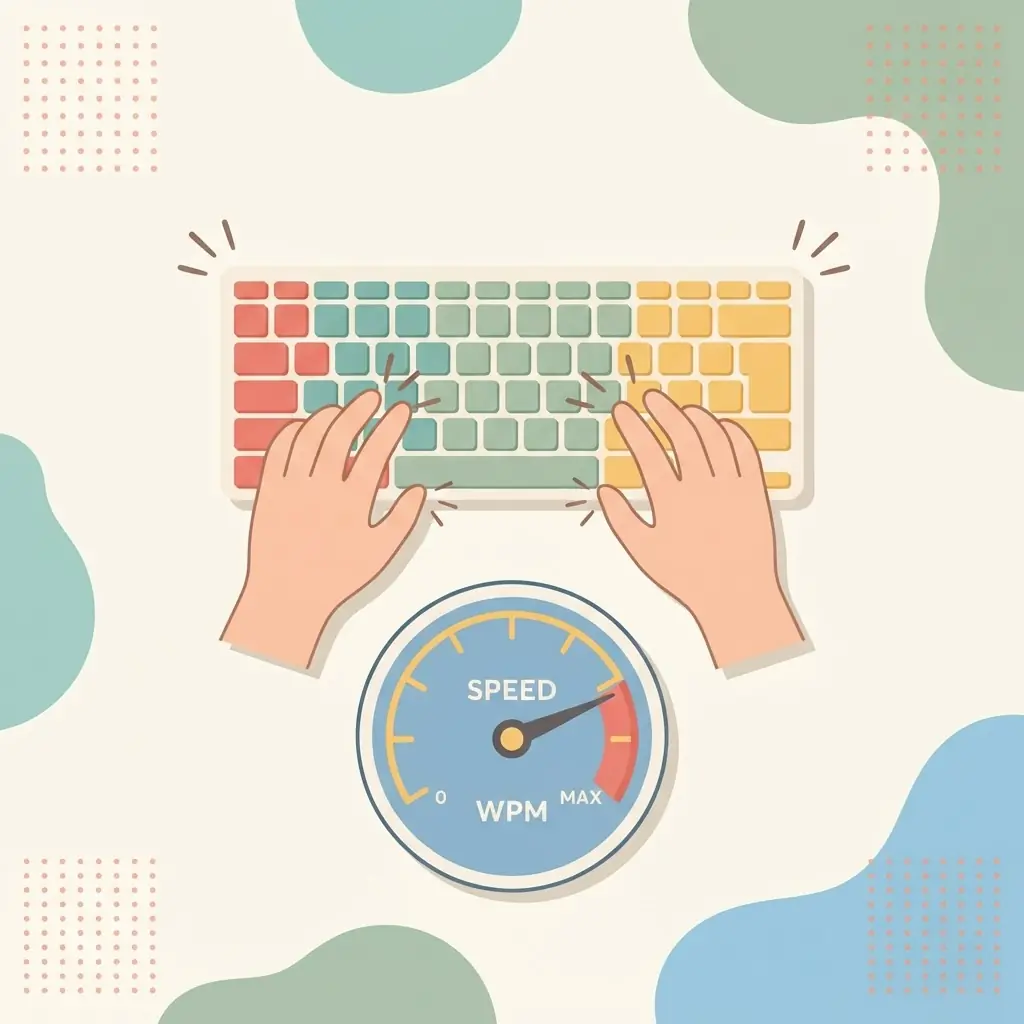
Accuracy is the percentage of characters you type correctly. If you type 100 characters and get 96 right, that is 96% accuracy. On ShreePrati, tests report accuracy alongside your WPM so you can see the trade-off between the two in real time.
Why accuracy matters more than raw speed
A mistake is expensive: you notice it, stop, backspace, and retype. That round trip often costs more time than simply typing the character correctly once. Two typists at the same “gross” speed can have very different real output if one is constantly correcting. Clean typing is fast typing.
Drills to reduce mistakes
- Slow down deliberately. Drop to a pace where you make almost no errors, then hold it. Speed returns quickly once the movement is clean.
- Isolate your problem keys. Most errors cluster on a few letters or reaches. Practise those in short bursts using the lessons or practice exercises.
- Do not look down. Glancing at the keyboard hides mistakes until later. Keep your eyes on the screen so you catch errors as they happen.
- Fix your hand position. Many errors come from fingers drifting off the home row. Reset to the home row between words.
Use the guided keyboard
ShreePrati highlights the next key and shows which finger to use. Following those cues trains the correct movement, so you build accurate habits instead of reinforcing sloppy ones. This works the same way for the Nepali layout and the English QWERTY layout.
Track it over time
Aim to keep accuracy comfortably above 95% before you push for more speed. Take a short test at the end of each session and watch the number stay high even as your WPM climbs — that is the sign your technique is solid.
How corrections affect your score
On ShreePrati you can press Backspace to fix a wrong character, but the original mistake is still added to your error count. Your WPM is calculated from correctly typed characters only, so a run full of corrections scores lower than a clean one at the same pace. Treat Backspace as a safety net, not a habit: the real goal is to press the right key the first time.
Find out which mistakes you make
Errors usually follow a pattern. Watch for these common types during a test:
- Neighbour-key errors such as typing r for t, which usually mean a finger is reaching from the wrong position.
- Swapped letters such as teh for the, which happen when one hand runs ahead of the other. Slowing down on common words helps.
- Capital letter and punctuation slips, often caused by holding Shift with the same hand that presses the letter. Use the Shift key on the opposite side.
- Missed or doubled spaces, which shift everything after them. Tap the space bar lightly with your thumb at the end of each word.
A simple 15-minute accuracy routine
- Warm up for 3 minutes on a home-row or problem-key lesson at a relaxed pace.
- Spend 7 minutes on practice text, aiming for zero errors rather than speed.
- Finish with a 1-minute or 3-minute test and note both your accuracy and WPM.
- Rest for a moment and repeat the test only if your accuracy was above 95%.
Short, regular sessions build accurate muscle memory faster than occasional long ones. Tiredness quickly raises the error rate, so stop when mistakes start creeping back in.